


Description
Stylish Alarm Clock for iPhone
Is Alarm Clock Free compatible with all iPhone models?
The app is designed for iPhone and iPod touch devices. Compatibility with specific models depends on the iOS version required, which is not specified in the provided information.
Can I use my own music as an alarm sound?
The app does not support custom alarm sounds or iPod tracks. Users must choose from the built-in sound options.
Does the app require an internet connection?
Alarm Clock Free operates offline. The app does not require an internet connection to function.
How often are updates released?
Updates are released periodically. The latest version, 1.0, includes support for high-resolution Retina displays.
What type of license does Alarm Clock Free use?
The app is available at no cost and is distributed under a free license model.
Overview
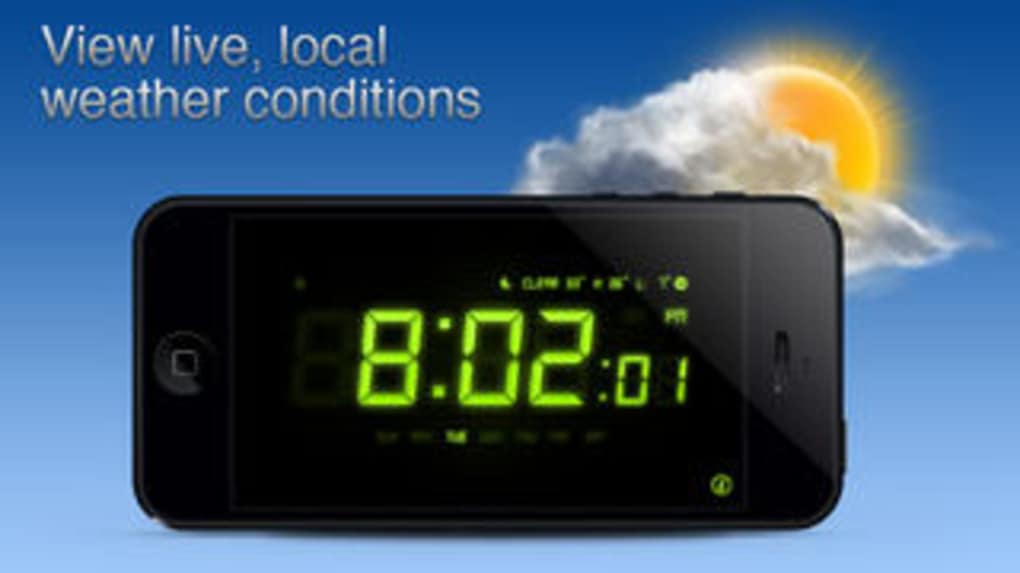
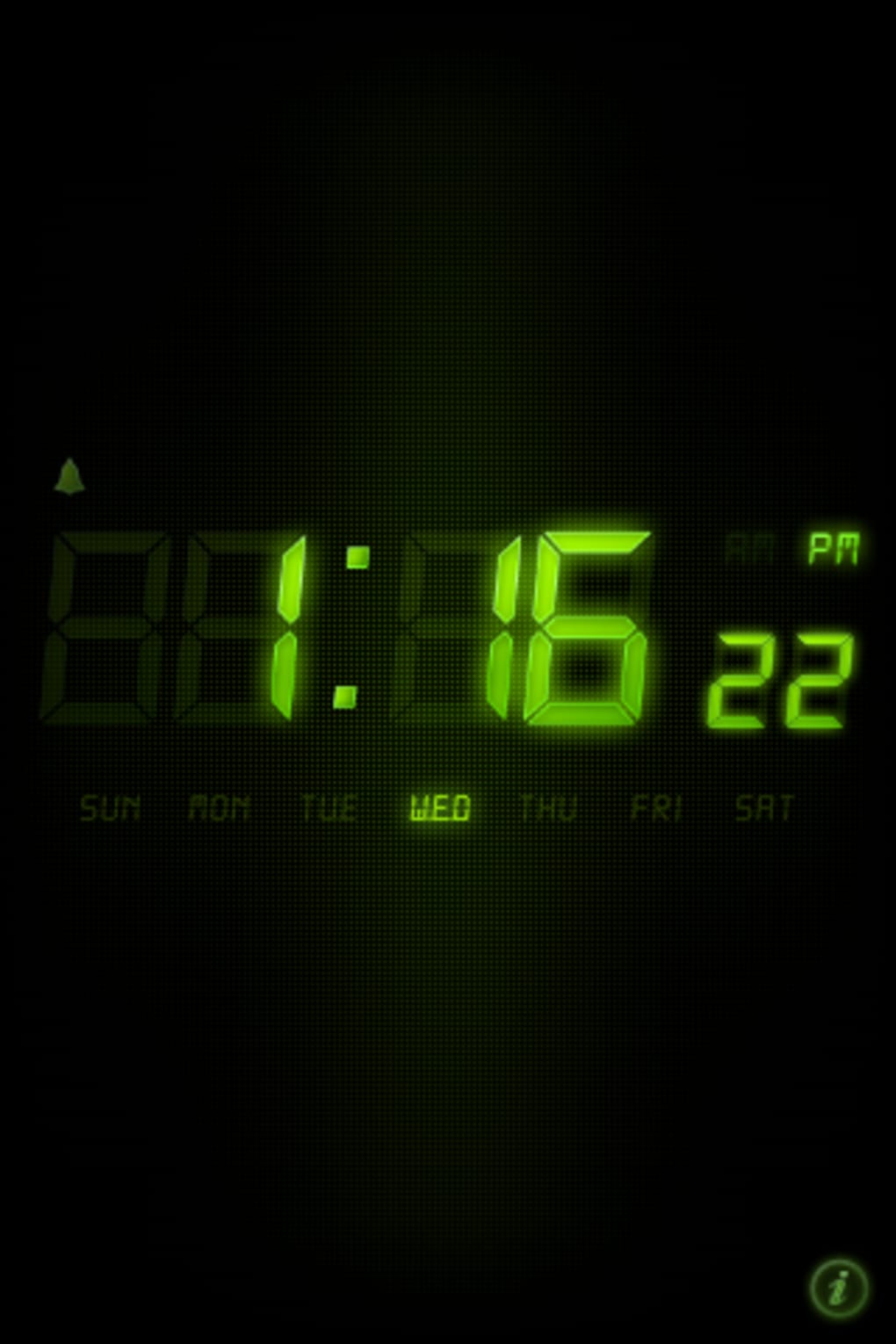
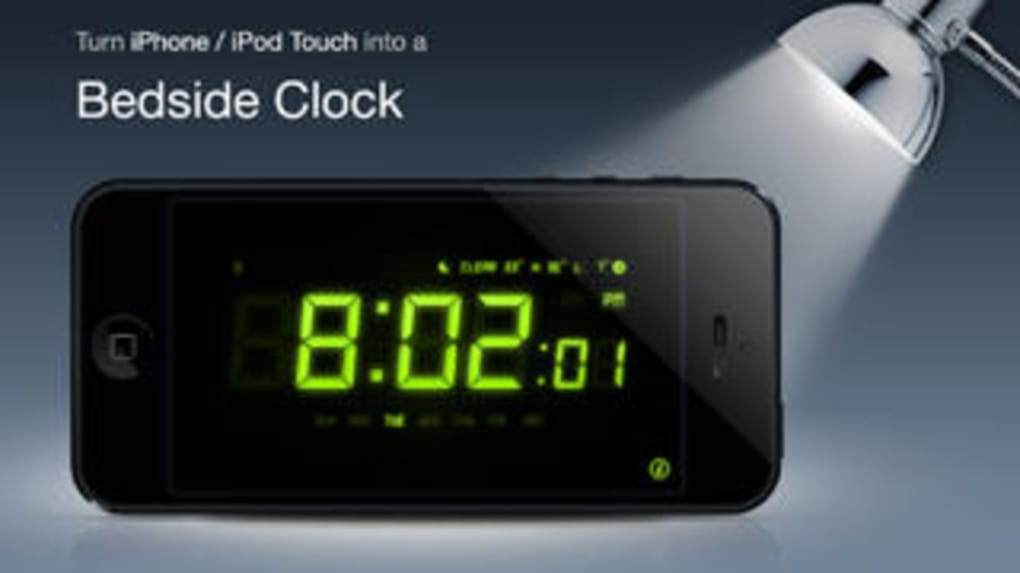
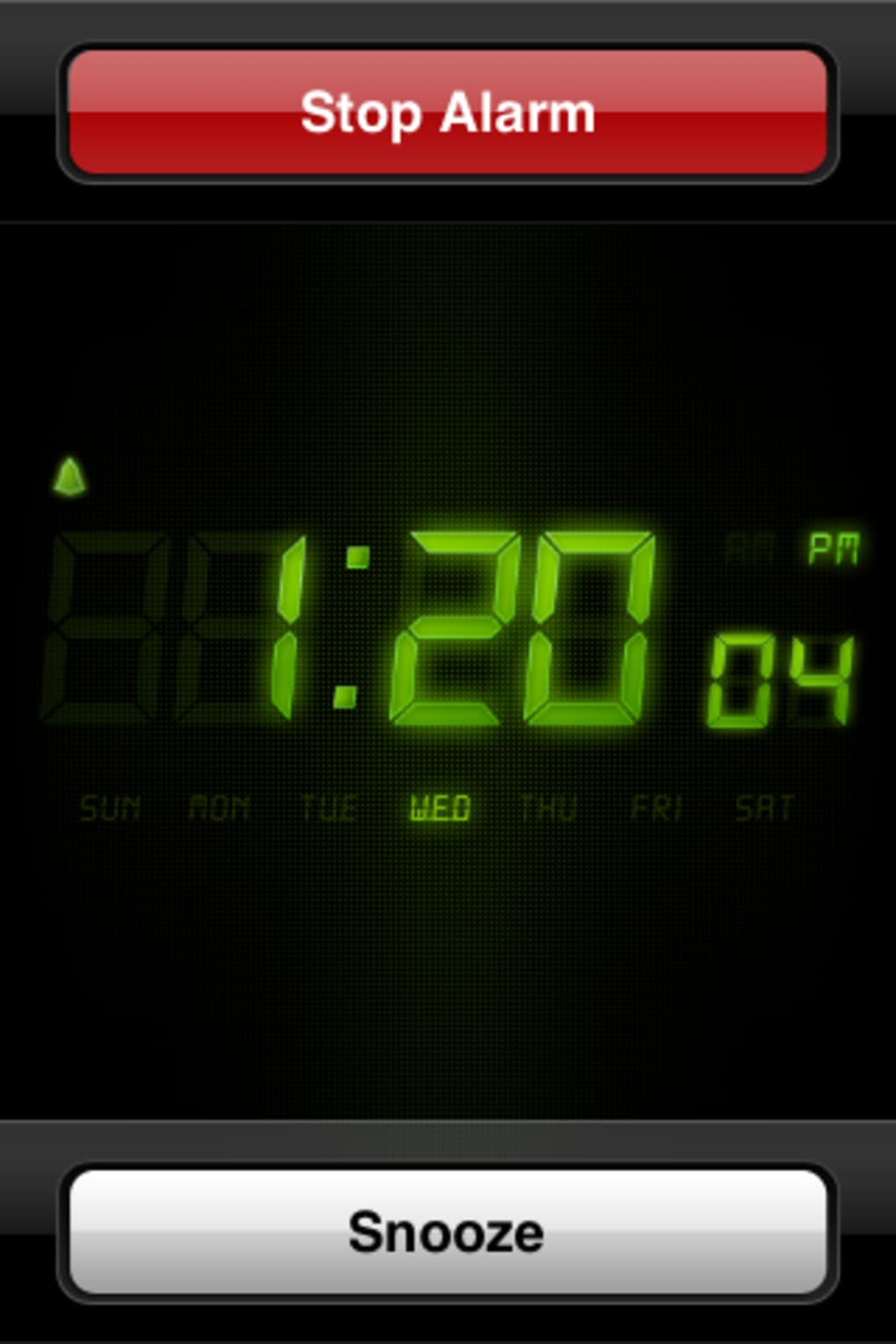
Alarm Clock Free is a desktop application designed for iPhone and iPod touch users seeking a visually appealing alternative to the default Clock app. Its primary purpose is to provide a digital clock display and alarm functionality with a sleek neon green-on-black interface reminiscent of Night Stand. The app aims to enhance the wake-up experience by offering a stylish, easy-to-read display that remains visible from a distance. It is intended for consumers who value aesthetics and simplicity in their morning routines. The developer, MobileTiger, has focused on delivering a clean interface with essential alarm features. While the app does not introduce significant functional innovations, it serves as a lightweight tool for users who prefer a different visual approach to timekeeping. Real-world usage includes placing the device on a nightstand to display the time and set alarms for daily wake-up routines. The app’s design makes it suitable for use in low-light environments, offering a modern alternative to standard digital clocks.
Key Features & Capabilities
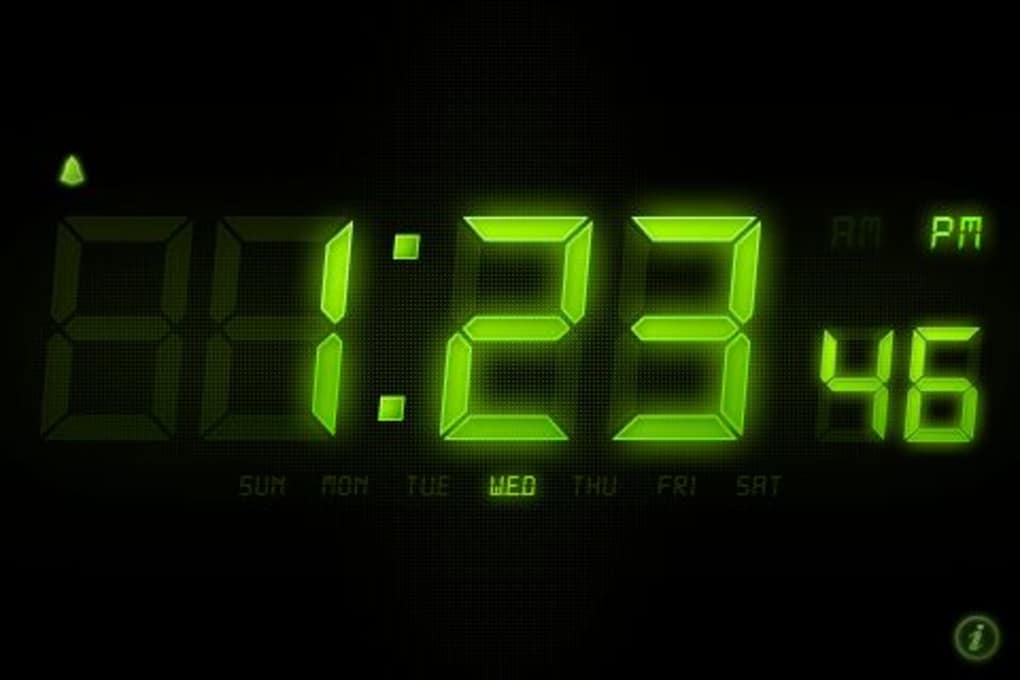
- Neon Green-on-Black Display: The app features a distinctive clock skin with high-contrast visuals, ideal for visibility in dim lighting. This design enhances usability during nighttime or early morning hours.
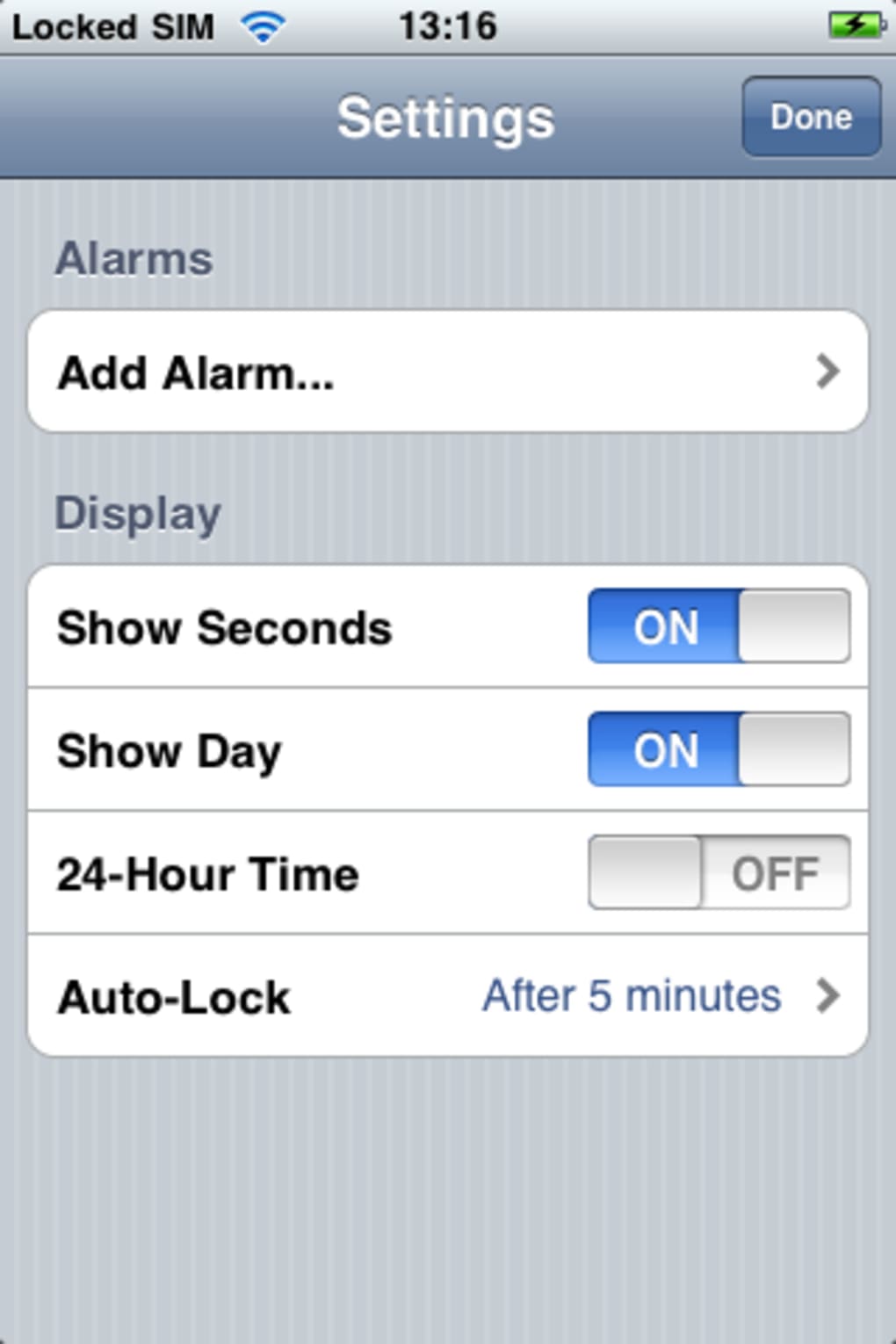
- 12/24-Hour Time Mode Toggle: Users can switch between 12-hour and 24-hour formats through the settings menu, accommodating different regional preferences.
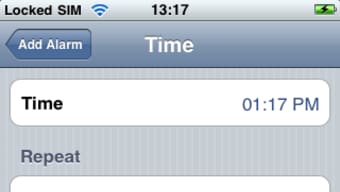
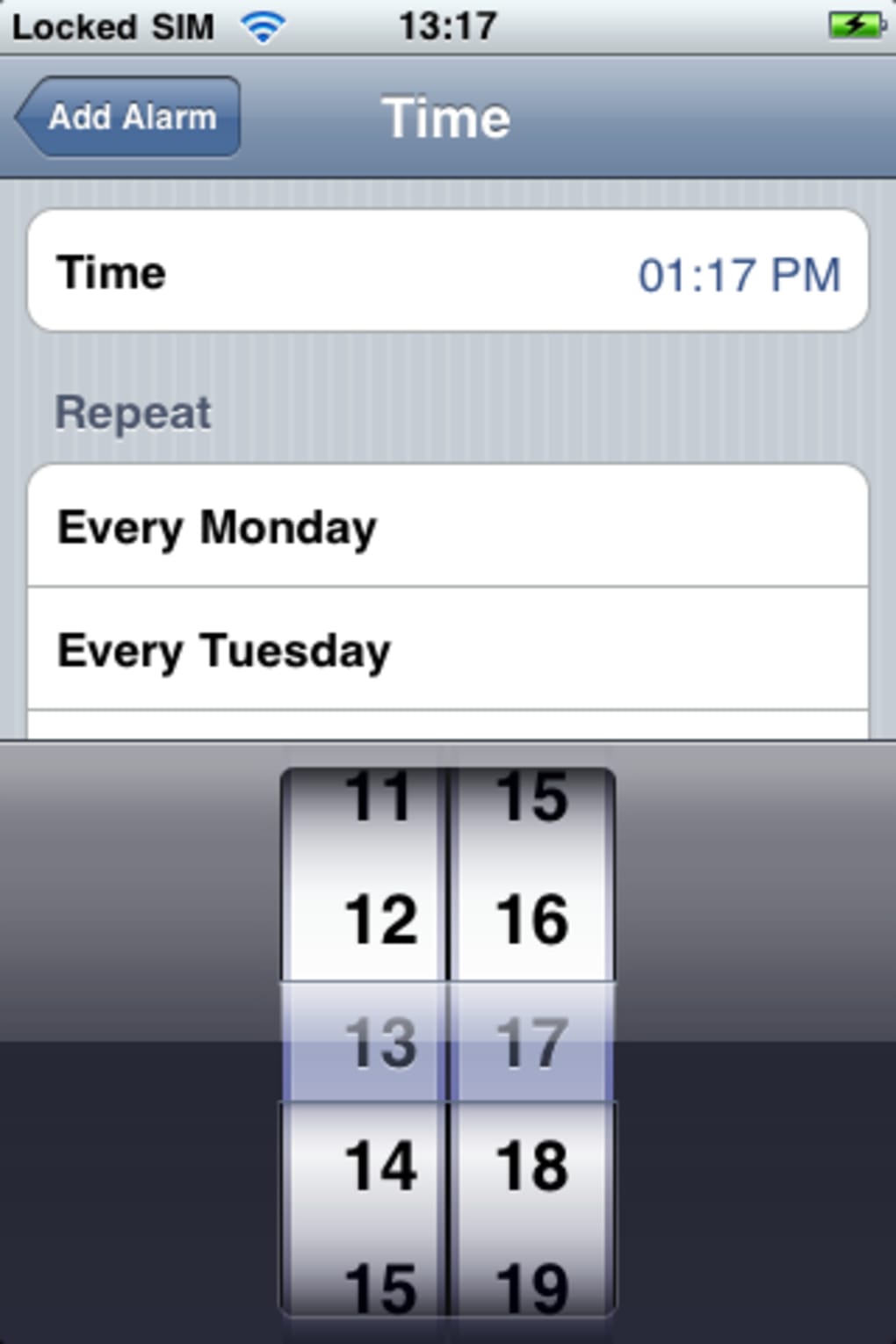
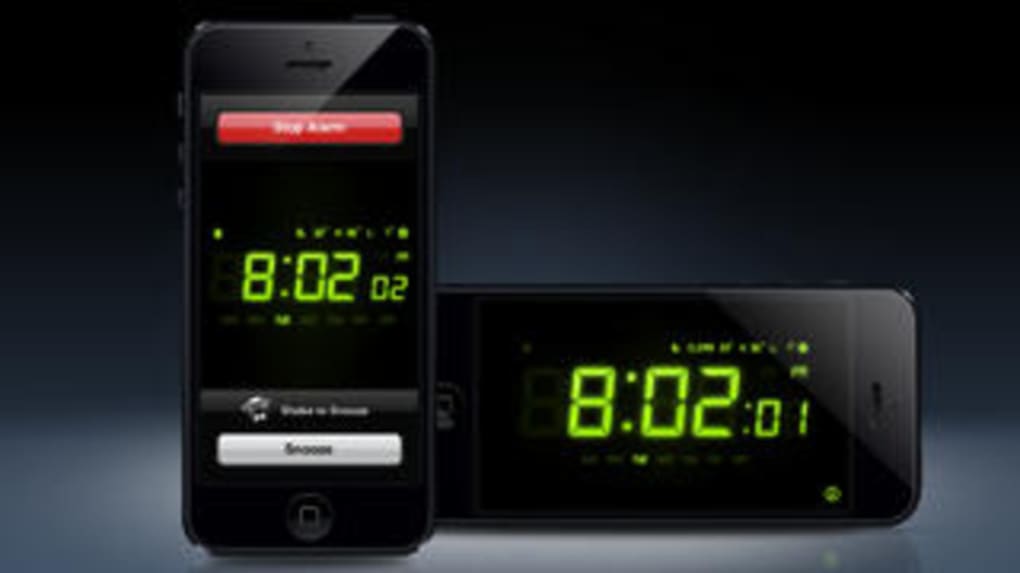
- Multiple Alarm Support: The app allows users to set multiple alarms, each customizable with a name, time, and snooze option.
- Pre-Loaded Alarm Sounds: A selection of built-in alarm tones is available, including Digital, School Bell, Cuckoo, and Old Clock, providing variety without requiring external audio files.
- Retina Display Optimization: Version 1.0 includes support for high-resolution Retina displays, ensuring sharp visuals on compatible devices.
These features are particularly useful for users who want to maintain a consistent wake-up routine with minimal distractions. The neon display is effective for quick time checks in the dark, while the multiple alarm system supports complex schedules such as weekday and weekend wake-up times. The ability to name alarms improves organization, especially when managing several daily alerts. Although the app lacks support for custom audio, the provided sound options cater to common preferences. The Retina display update ensures that the interface remains crisp and professional on modern devices, enhancing the overall user experience.
User Interface, Workflow & Performance
The user interface of Alarm Clock Free is centered around a minimalist design with a strong focus on readability. The neon green digits on a black background create a high-contrast display that is easy to interpret from a distance. Navigation is straightforward, with settings accessible through a centralized menu that includes time format selection, alarm configuration, and sound preferences. The workflow for setting alarms is intuitive: users select a time, assign a name, enable snooze if desired, and choose a sound. The app maintains a consistent layout across all functions, reducing the learning curve. Performance observations are based on general software behavior patterns. The app runs in the background to keep the clock active, which may affect battery life depending on device usage. The developer did not specify resource usage details. Stability appears to be consistent with typical lightweight iOS applications. No reported crashes or freezes were mentioned in the provided data.
Compatibility & System Requirements
Alarm Clock Free is compatible with iPhone and iPod touch devices. The software version is 1.0, and the installation size is 1.4 MB. The app includes support for high-resolution Retina displays, indicating it is optimized for newer devices. However, exact system requirements such as minimum iOS version or hardware specifications were not listed. The developer did not provide additional system requirements. Compatibility information is limited to the supported platforms and display optimization. Users should ensure their device meets the minimum requirements for running the latest iOS version to avoid installation issues.
Pros and Cons
Pros
- Visually striking neon green-on-black clock display
- Supports multiple alarms with customizable names
- Retina display optimization for sharp visuals
- Simple, intuitive interface with easy navigation
- Free to download and use
Cons
- No support for custom alarm sounds or iPod tracks
- Requires background operation to maintain clock display
- Limited to built-in alarm sound options
- Exact system requirements not specified
- Functionality does not significantly exceed default iPhone Clock
Final Thoughts + CTA
Alarm Clock Free offers a visually refreshing take on the standard iPhone alarm experience. Its neon green-on-black interface stands out in a crowded market of clock apps, providing a stylish and legible display ideal for nighttime use. While the core functionality remains basic—similar to the default Clock app—the app delivers a polished aesthetic and smooth operation. The inclusion of Retina display support enhances its appeal on modern devices. For users who prioritize visual design and simplicity over advanced features, this app is a solid choice. It is particularly suited for those who want a clean, distraction-free way to wake up each morning. Although it lacks customization in alarm sounds and relies on background execution, its lightweight nature and free availability make it accessible. Overall, Alarm Clock Free excels in presentation rather than innovation. Download Alarm Clock Free now.
Guides & Tutorials for Alarm Clock Free
How to install Alarm Clock Free
- Click the Preview / Download button above.
- Once redirected, accept the terms and click Install.
- Wait for the Alarm Clock Free download to finish on your device.
How to use Alarm Clock Free
This software is primarily used for its core features described above. Open the app after installation to explore its capabilities.
User Reviews for Alarm Clock Free 0
No reviews found





